Finds cells in DEM rasters with undefined flow based on the D8 flow direction algorithm. These cells are either sinks (lower than all
neighboring cells) or in the interior of a flat area. The flat area cells are marked with value of 1 and the sink cells with the value 2.
Inputs:
Input DEM raster dataset
Output raster name and format
Outputs:
A raster indicating the cells without flow in the DEM on a background of NoData.
Example:
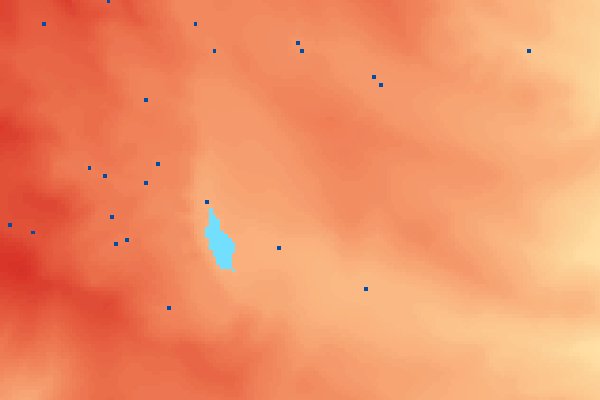
An example of the NoFlow Areas output - Flat areas with light blue and Sinks with dark blue.
Notes:
An output value of 1 indicates that the cell belongs to a flat area - there is no lower neighboring cell and the lowest neighbor has the same elevation.
An output value of 2 indicates a sink - meaning that all neighboring cells are with higher elevation.