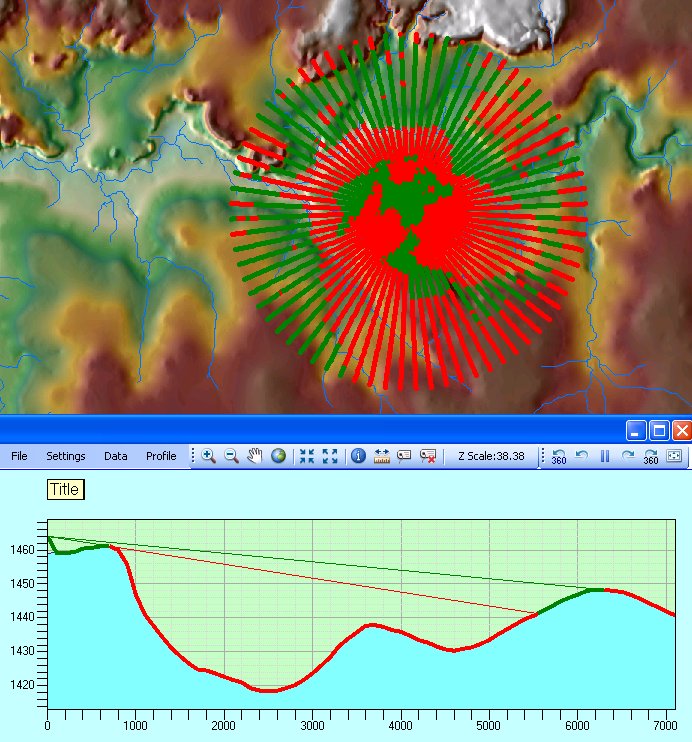
to
rotate the line of sight around the Observer. The step of rotation (in
Degrees) can be adjusted on the Line of Sight Settings Dialog.
There the user can also set whether the previous LOS graphic will be
deleted when a new one is drawn.
to
rotate the line of sight around the Observer. The step of rotation (in
Degrees) can be adjusted on the Line of Sight Settings Dialog.
There the user can also set whether the previous LOS graphic will be
deleted when a new one is drawn. During rotation it is possible that the extent of the Line of Sight view will change and go outside of the extent of the window. The Recalculate Extent button
 can be used to recalculate the extent of the current Line of Sight and zoom
to it.
can be used to recalculate the extent of the current Line of Sight and zoom
to it.