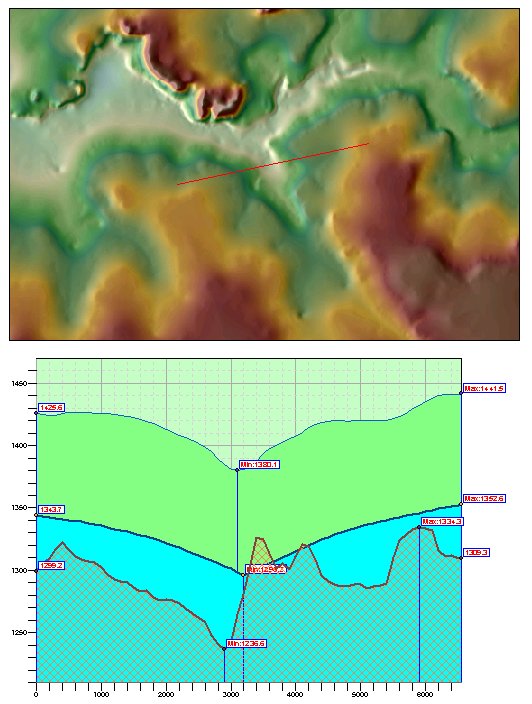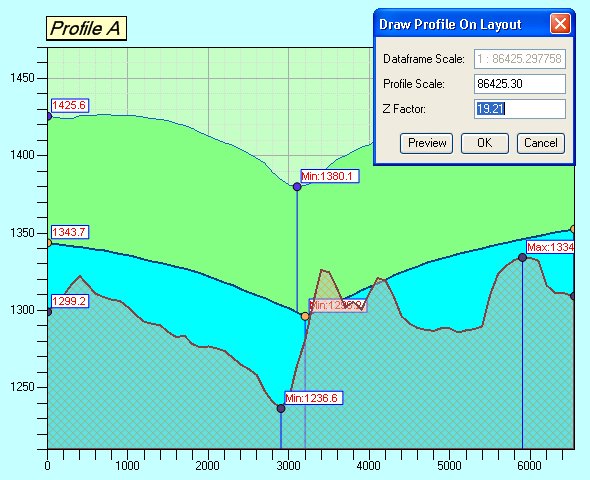
The profile currently displayed in the Profile Window can be drawn on the layout. This function can be accessed from Profile Menu ==> Draw Profile on Layout. A dialog will be presented to the user:
Current scale of the data frame will be indicated in the dialog
The user can change the scale for drawing the profile or draw the profile with the scale of the data frame
The current Z Scale will be shown and can be adjusted.
The Preview button draws the profile elements on the layout as temporary graphics. If the user selects Cancel the graphics will be deleted. If the user clicks OK the graphics will be grouped in a single group. Then the user can move it to a position of choice.
The profile will be drawn to the user defined scale.
All the symbology from the Profile Window will be preserved in the profile drawn on the layout with the following exceptions:
Profile transparency is not supported
Point types x, y and z are not supported - these will be drawn as circles
Line types are only supported, when the line width is 1, if the line type is not Solid and line width is more than 1, the lines will be drawn as solid lines